
Running a validator node isn’t just for tech enthusiasts anymore. It’s a real way to earn passive income on blockchain networks - but only if you know what you’re getting into. Many people think all validator nodes are the same: you stake some tokens, press a button, and wait for rewards. That’s not true. The truth is messy, expensive, and technical. Some networks need a $500 server. Others demand a $20,000 rack of enterprise hardware. Some require you to lock up $100,000 in crypto just to get started. This guide cuts through the noise. Here’s exactly what you need to run a validator node on the biggest blockchains today - no fluff, no hype.
What a Validator Node Actually Does
A validator node isn’t a miner. It doesn’t solve puzzles. Instead, it confirms transactions, proposes new blocks, and helps the network agree on what’s real. In Proof of Stake (PoS) systems, validators are chosen based on how much crypto they’ve staked. The more you lock up, the more likely you are to be selected. But being selected isn’t enough. You have to stay online, respond fast, and never make mistakes. Miss a block? Get slashed. Go offline for too long? Lose part of your stake. This isn’t a set-it-and-forget-it system. It’s a 24/7 job that demands reliability.
Hardware Requirements: It’s Not One Size Fits All
Hardware needs vary wildly between networks. You can’t use the same setup for Ethereum and Solana. Here’s what you actually need on major chains:
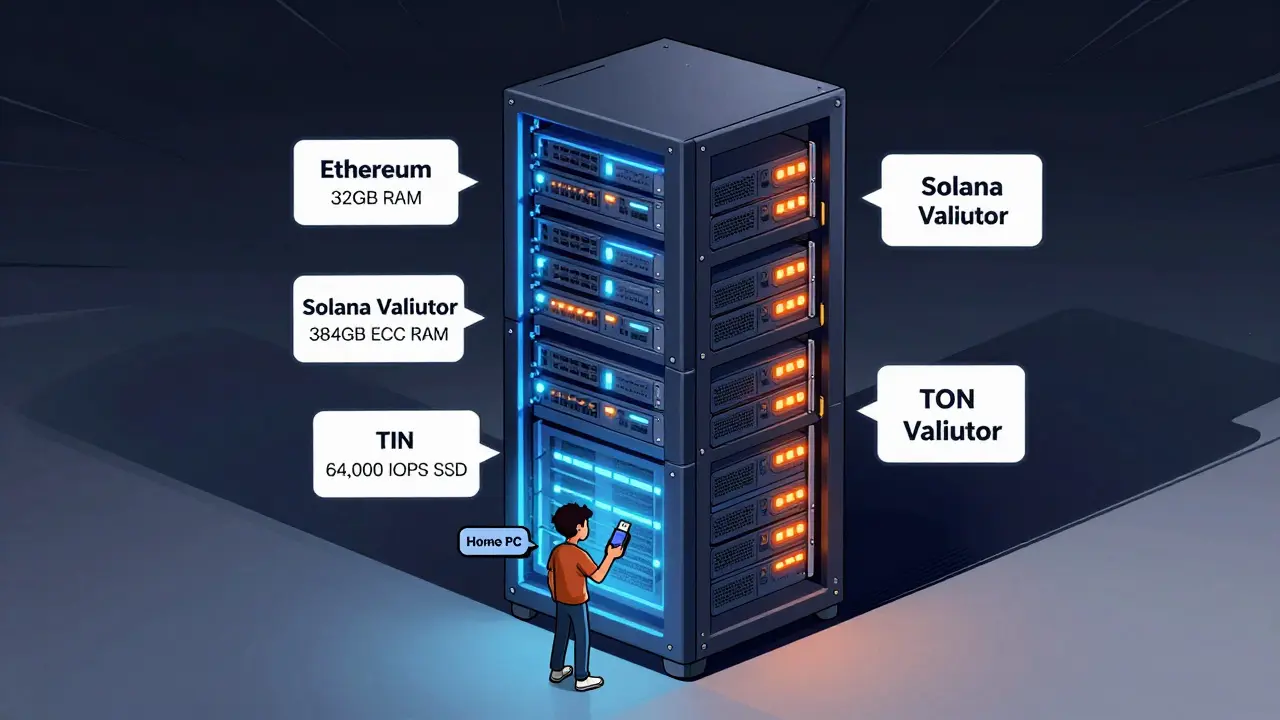
- Ethereum: Quad-core CPU (x64 or arm64), 32 GB DDR4 RAM, 4 TB NVMe SSD, 10 Mbps upload, and a UPS. No ECC memory needed, but NVMe is non-negotiable. Slower drives cause delays and get you slashed.
- Polkadot: 4 physical cores at 3.4 GHz, 32 GB DDR4, 1 TB NVMe SSD, 500 Mbps stable connection. Simpler than Ethereum, but still needs enterprise-grade storage.
- TRON: Regular validators need 16-core CPUs (like AMD Ryzen 7950X3D), 64 GB RAM, 2.5 TB NVMe. Super Representatives? Double that: 32 cores, 128 GB RAM. AMD EPYC chips are preferred for heavy workloads.
- TON (The Open Network): 16-core CPU, 128 GB RAM, 1 TB NVMe SSD with 64,000+ IOPS (input/output operations per second). That’s not a typo. Most consumer SSDs can’t handle this. You need enterprise drives like Samsung PM1733 or Intel Optane. Network? 1 Gbps with no caps. Average traffic is 100 Mbps, but peaks can hit 900 Mbps.
- Solana: The most demanding. 24+ physical cores (32+ recommended), 384 GB DDR5 ECC RAM (512-1024 GB ideal), enterprise SSDs, 3 Gbps symmetric bandwidth, latency under 50ms. You need CPUs with SHA, AVX2, and AES-NI support. ECC memory isn’t optional - it prevents silent data corruption during heavy validation.
Don’t skimp on storage. A slow hard drive will make your validator miss blocks. NVMe isn’t a luxury - it’s survival. And if you’re running this on a home server, make sure your internet plan has no data caps. Most ISPs throttle or cut off validators.
Financial Barriers: How Much Crypto Do You Need?
Hardware is one thing. Staking is another. Here’s what you need to lock up to become a validator:
- Ethereum: 32 ETH. At $3,500 per ETH, that’s $112,000. You can’t stake less. No exceptions.
- Avalanche: 2,500 AVAX (~$125,000 at $50/AVAX). But you can delegate as little as 25 AVAX to a validator and earn a share - no need to run your own node.
- Cosmos: No fixed minimum. But to stay in the top 180 validators (the only ones that earn rewards), you need around 33,052 ATOM right now. That’s about $150,000. And it goes up every week as more people stake.
- Sui: 30 million SUI tokens. That’s over $1 million. This isn’t for individuals. It’s for funds and institutions.
- Solana: Zero minimum. You can stake 1 SOL. But if you want to run your own validator, you still need the hardware. And you’ll compete against giants with 10,000+ SOL.
Some networks let you delegate. That means you can contribute smaller amounts to someone else’s validator and earn a cut. But if you want full control - and higher rewards - you need to run your own node. And that means locking up serious money.
Network and Connectivity: You Can’t Afford to Go Offline
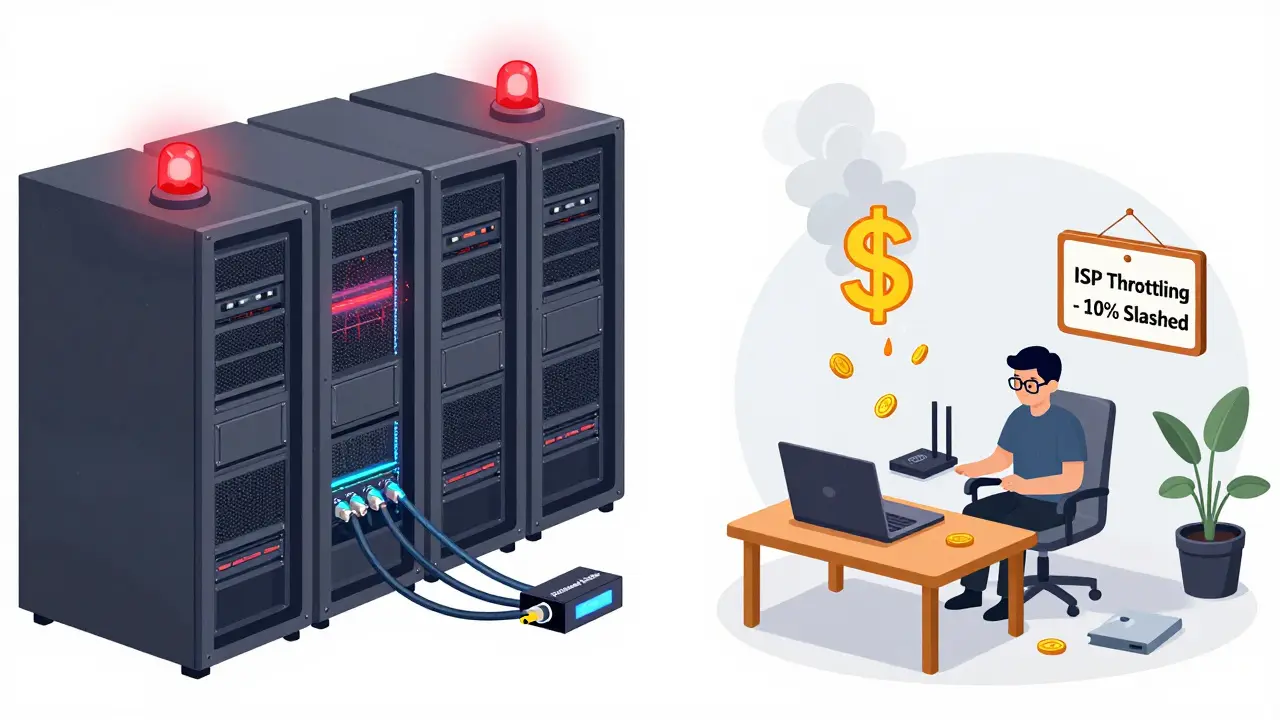
Validators are penalized for downtime. Not a little. A lot.
- TON: If you miss more than 10% of your assigned blocks, you get slashed 101 TON tokens. That’s roughly $1,000. One power outage. One ISP glitch. And you lose money.
- Ethereum: No slashing for minor downtime, but you stop earning rewards. That’s lost income.
- Solana: Slashing is rare, but your validator gets deprioritized. You’ll stop getting blocks to validate - meaning zero rewards.
You need a static public IP address. You need to open UDP ports. You need to forward traffic. Most home routers can’t handle this reliably. A VPS or dedicated server from providers like Hetzner, OVH, or AWS is far more stable. And you need redundancy - two internet connections, a UPS, and backup power.
Setup Complexity: How Hard Is It Really?
Setting up a validator isn’t like installing a plugin. Here’s what each network demands:
- Ethereum: Install Geth or Prysm, sync the beacon chain (takes days), then activate your validator with 32 ETH. EthStaker has detailed guides. Moderate difficulty.
- Polkadot: Download the node software, sync the chain, then bond your DOT. Requires Linux kernel 5.16+. Moderate.
- TON: Launch a Full Node first. Then run
status_modesto enable validator mode. Configure storage IOPS. High difficulty. - Solana: Install the Solana CLI, configure your CPU instruction sets, tune DDR5 memory timings, set up enterprise SSD RAID, and open firewall rules. You need to understand ECC memory, PCIe lanes, and network latency. This is expert-level.
- TRON: Install the TRON node, configure your Super Representative settings, and monitor block production. Requires AMD EPYC for best results. High difficulty.
Most people fail on the first try. The documentation is scattered. The error messages are cryptic. You’ll spend days troubleshooting before you even earn your first reward.

Who Should Run a Validator Node?
Not everyone should do this.
If you’re a hobbyist with a $1,000 budget and a home PC - skip it. You’ll lose money on electricity and internet bills.
If you’re a small investor with 5-10 ETH or 500 ATOM - delegate. Use Marinade Finance (Solana), Lido (Ethereum), or Cosmos Staking. You get 90% of the rewards with zero risk.
If you have $100,000+ to lock up, a dedicated server room, and technical skills - then go for it. You’ll earn 4-10% APY. But you’ll also spend hours every week monitoring, updating, and fixing things.
Future Trends: What’s Changing?
Validators are becoming more professional. More institutions are running them. More cloud providers (like AWS and Google Cloud) now offer validator hosting as a service. This lowers the barrier for small players - but it also centralizes control.
Solana is working to reduce memory needs. TON is adjusting IOPS requirements. Ethereum is testing ways to let validators run on less powerful hardware. But the trend is clear: the easier it gets, the more competition there is. And the more competition, the lower your rewards.
Running a validator node isn’t a get-rich-quick scheme. It’s a long-term infrastructure play. You’re not just staking crypto - you’re investing in the backbone of a decentralized network. If you’re ready for the cost, the complexity, and the responsibility - then go ahead. But if you’re just looking for passive income? There are easier ways.
Can I run a validator node on my home computer?
Technically, yes - but it’s not recommended. Home internet rarely has static IPs, no data caps, or stable uptime. Power outages, ISP throttling, and router reboots will get you slashed or penalized. Most successful validators use dedicated servers in data centers.
What’s the cheapest blockchain to run a validator on?
Polkadot and Ethereum are the most affordable in terms of hardware. Polkadot needs only 32 GB RAM and a 1 TB SSD. Ethereum requires 32 ETH ($112,000), so while hardware is cheap, the staking cost is high. Solana has zero staking minimum, but the hardware cost ($5,000-$10,000) makes it expensive to start.
Do I need ECC memory for validator nodes?
For Solana? Absolutely. ECC memory prevents silent data corruption during heavy cryptographic operations. For Ethereum, it’s optional but recommended. For TON and TRON, it’s not required - but if you’re running enterprise-grade hardware, ECC is standard. Skipping it risks data errors that can crash your validator.
How much electricity does a validator node use?
A typical validator server uses 200-400 watts continuously. That’s $15-$30 per month in the U.S., $30-$60 in Europe. Solana nodes with 512 GB RAM and 3 Gbps bandwidth can hit 600+ watts. Add cooling, and costs rise. Always factor in electricity before starting.
Can I run multiple validator nodes on one server?
Yes - if your hardware can handle it. Ethereum validators need 32 ETH each, so you can run multiple if you have enough ETH and RAM. A server with 128 GB RAM and 4 TB SSD can handle 3-4 Ethereum validators. But each validator needs its own independent connection and storage. Overloading a single server risks total failure.
What happens if I get slashed?
You lose a portion of your staked tokens. TON slashes 101 TON if you miss too many blocks. Ethereum doesn’t slash for minor downtime but stops rewarding you. Solana rarely slashes, but your validator gets deprioritized. Slashing is rare, but it’s real. Always monitor your node’s uptime.
Is running a validator node profitable?
It can be - if you have the capital and technical skills. Ethereum validators earn 4-5% APY. Solana earns 6-8%. But after electricity, internet, hardware depreciation, and downtime losses, net profit is often 2-4%. You’re not getting rich. You’re maintaining infrastructure for a reward.
Comments (8)

- Konakuze Christopher
- March 13, 2026 AT 22:29 PM
They're lying. Every single one. Validator nodes are just a front for the fed to track your crypto. They're watching your IP, your uptime, your staking habits. You think you're decentralized? You're on their server farm. Wake up.

- Zachary N
- March 14, 2026 AT 10:11 AM
I've run Ethereum and Solana validators for over two years now, and honestly, the biggest mistake people make is underestimating the operational load. It's not just about buying hardware - it's about building a system that survives power blips, ISP throttling, and kernel updates. I use a dual UPS setup with a cellular backup modem, and I monitor every metric through Prometheus + Grafana. The hardware specs in the post are spot-on, especially the IOPS requirement for TON - most consumer SSDs die within months under that load. If you're serious, invest in enterprise-grade NVMe drives like the Samsung PM1733. Also, ECC memory isn't optional on Solana - I lost a full week of rewards once because of a silent bitflip. It's not glamorous, but it's infrastructure. Treat it like a data center, not a hobby project.

- Elizabeth Kurtz
- March 15, 2026 AT 02:22 AM
I'm from Brazil, and I run a Polkadot validator from my apartment here. The hardware requirements are totally doable if you're smart - I use a used enterprise server from eBay, 32GB RAM, 1TB NVMe, and a VPS with static IP. The real barrier isn't tech - it's mindset. Most people think this is passive income. It's not. It's a part-time job. You need to check logs, update software, watch for slashing events. I check my node twice a day. It's not hard, but it's consistent. And yes, I earn more than my day job. Not because I'm rich - because I showed up every day.

- john peter
- March 15, 2026 AT 13:10 PM
The notion that running a validator is an 'infrastructure play' is a delusion peddled by those who profit from your labor. You are not an investor. You are a node operator - a glorified server janitor for a system that centralizes control through gatekeeping. The 32 ETH requirement is not a technical necessity - it is a wealth filter. The entire ecosystem is designed to funnel capital into the hands of those who already have it. The 'decentralization' is a marketing slogan. The truth? You're paying to be a cog in a machine that rewards the same few players over and over.

- Marc Morgan
- March 15, 2026 AT 15:09 PM
I ran a Solana validator for six months. Bought the 32-core rig, the 512GB ECC RAM, the 3Gbps fiber. Spent $8k. Earned $1200 in rewards. Paid $900 in electricity. My cat knocked over the power strip once. Lost a week of rewards. I cried. Then I deleted the node. Sometimes the dream is just a really expensive electricity bill with extra drama.

- Kira Dreamland
- March 16, 2026 AT 14:22 PM
I delegated my ETH to Lido instead. Why? Because I like sleep. And my dog. And not having to reboot my server at 3am because of a kernel panic. This guide is accurate - but it’s also a trap for anyone who thinks they’re 'hacking the system.' The real hack is not doing it at all. Let the pros handle the hardware. You get 90% of the yield. No stress. No drama. Just passive income. I’m not mad. I’m just... done.

- Cheri Farnsworth
- March 18, 2026 AT 09:45 AM
The requirement for ECC memory on Solana is non-negotiable. Without it, silent data corruption can occur during cryptographic operations, leading to validator downtime and loss of rewards. This is not theoretical. I have witnessed it firsthand. Enterprise-grade hardware is not a luxury - it is a baseline for operational integrity. Furthermore, the notion that home setups are viable is dangerously misleading. Home routers do not provide the stability required for block proposal consensus. A single ISP maintenance window can result in missed attestations. The cost of failure far exceeds the cost of proper infrastructure.

- Gene Inoue
- March 18, 2026 AT 14:51 PM
You people are pathetic. You spend $10k on a server so you can 'earn' $500 a month while your ISP throttles you and your UPS dies in a heatwave. Meanwhile, I delegate to a node operator in Estonia who runs 12 validators on one machine and pays me 7% APY with zero effort. You're not building the future. You're just donating your money to a guy with a server rack and a Netflix subscription. Stop romanticizing work. Just delegate.