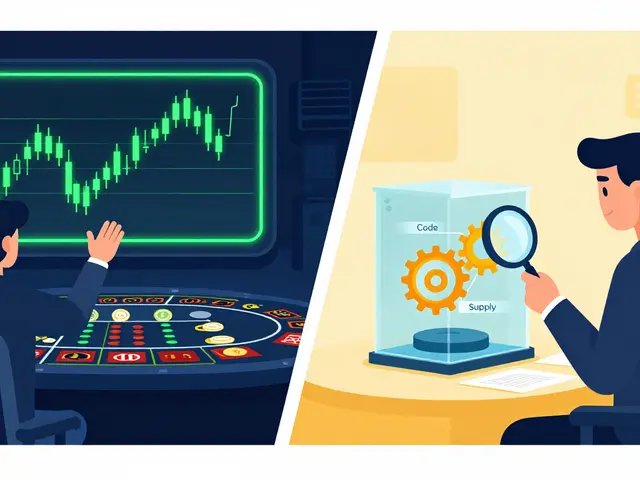

Think your password is enough? Think again. In 2026, over 80% of data breaches still start with stolen or guessed passwords. That’s why two-factor authentication isn’t optional anymore-it’s the bare minimum. But not all 2FA methods are created equal. If you’re choosing between SMS codes, authenticator apps, or hardware keys, you’re not just picking a convenience feature. You’re deciding how hard it is for someone to break into your accounts.
SMS 2FA: Easy, But Dangerous
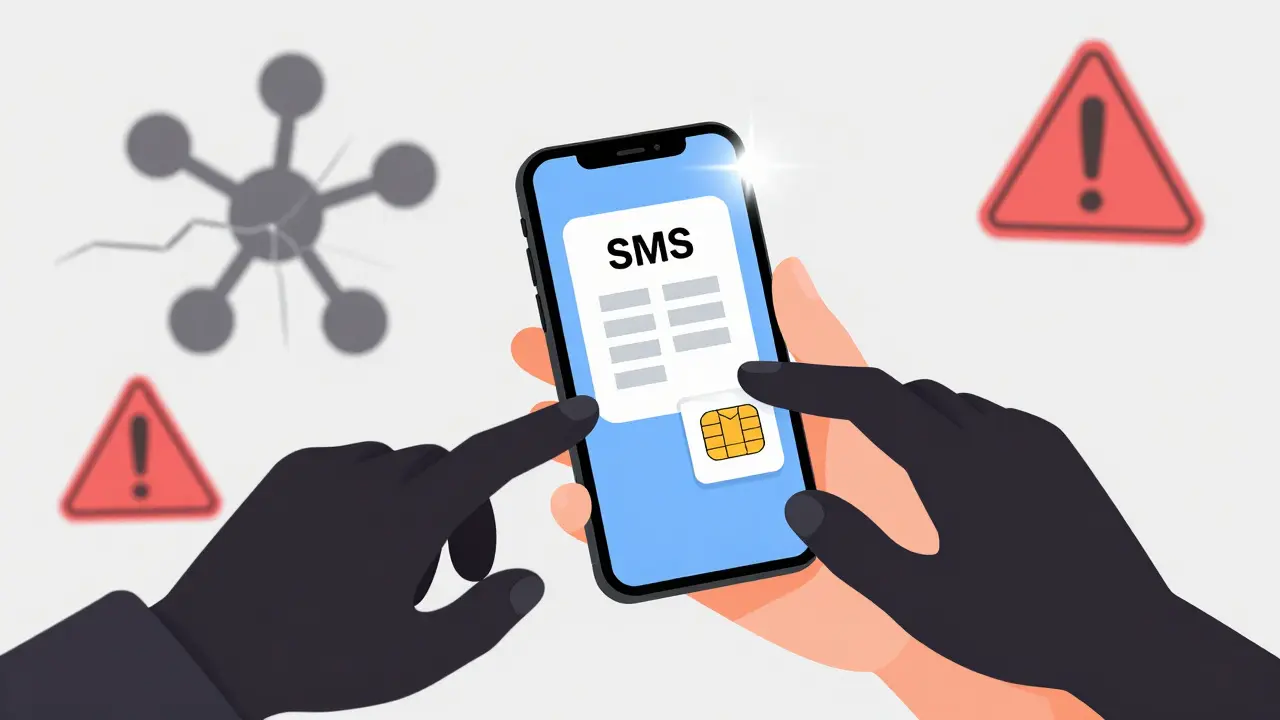
SMS-based 2FA sounds simple: you enter your password, then get a 6-digit code sent to your phone. No app to install. No device to carry. Just text. And for years, that’s why it was everywhere. Banks, social media, even your email provider used it because it worked for the average user. But here’s the problem: your phone number isn’t as secure as you think. Attackers don’t need to hack your account-they just need to trick your mobile carrier into giving them control of your number. That’s called SIM swapping. Once they have it, every code you get sent? They get it too. In 2025, over 12,000 reported SIM swap incidents in the U.S. alone, mostly targeting high-value accounts like crypto wallets and banking apps. And it’s not just fraud. Ever wait 90 seconds for a code that never arrives? That’s network lag. Or worse-your phone’s in airplane mode, or you’re in a basement with no signal. Suddenly, you’re locked out of your own account. SMS 2FA is convenient, but it’s built on a shaky foundation: the cellular network.Authenticator Apps: The Sweet Spot
If SMS is the flip phone of 2FA, then authenticator apps are the smartphone. Apps like Google Authenticator, Microsoft Authenticator, and Duo Mobile generate time-based codes right on your device-no internet needed. They use something called TOTP (Time-based One-Time Password), which syncs a secret key between your account and the app. Every 30 seconds, the code changes. Even if someone sees your code, it’s useless 25 seconds later. The big win? No SMS. No carrier to hack. No delays. You don’t even need cell service. As long as your phone has power and time set correctly, the code works. And if you use push notifications (like Duo’s one-tap approval), you get extra context: “Login attempt from Berlin at 3:14 AM.” That’s a red flag you can instantly reject. Setup takes a minute. You scan a QR code, confirm the app, and you’re done. Most people find it faster than waiting for texts. And unlike SMS, if your phone is stolen, the attacker still can’t access your accounts unless they also know your password-and even then, they’d need to crack the app’s local encryption.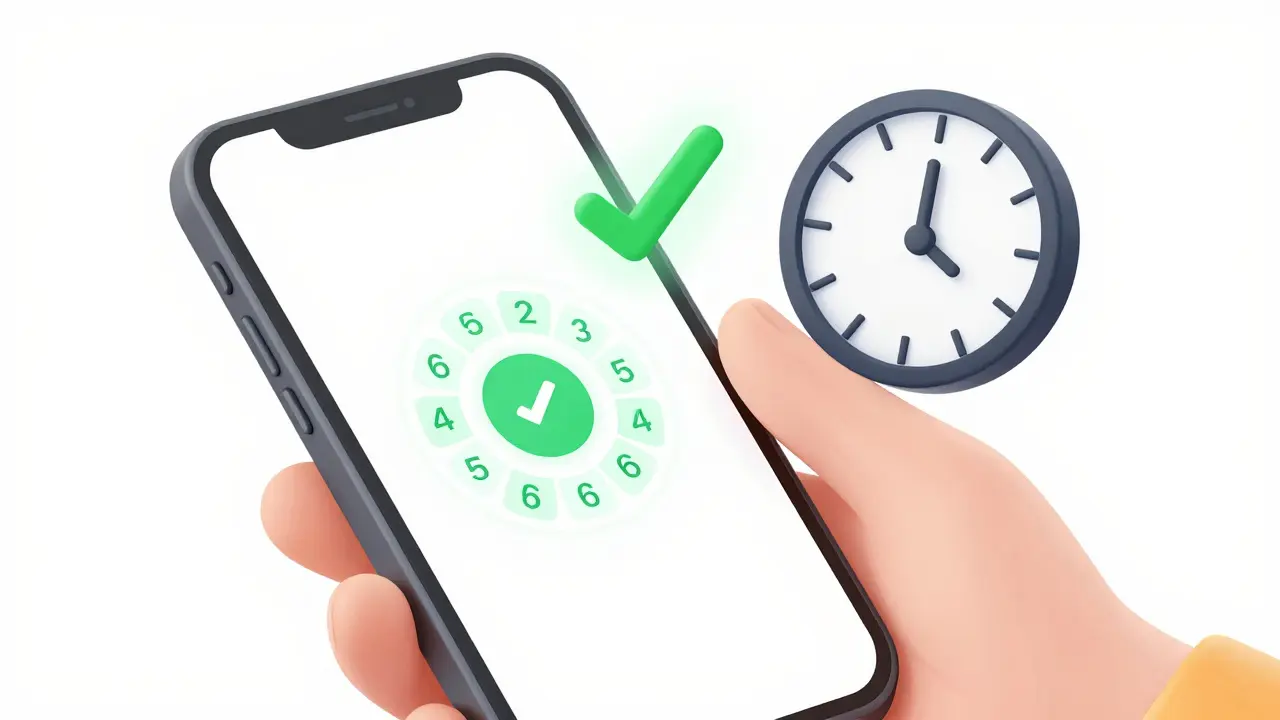
Hardware Keys: The Gold Standard
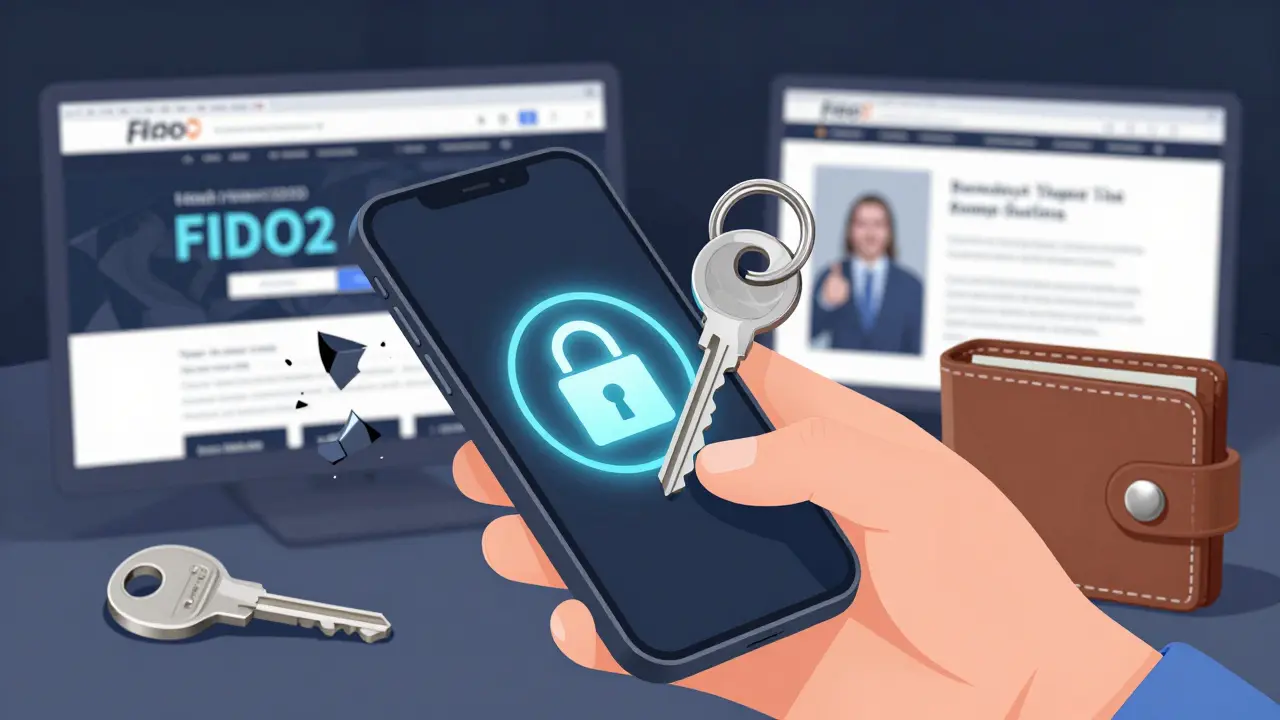
Now imagine a tiny device you plug into your laptop or tap against your phone. That’s a hardware key. Brands like YubiKey and Google Titan use FIDO2 and U2F protocols to create cryptographic signatures that prove it’s really you. No codes. No typing. Just touch. This is the only 2FA method that’s completely phishing-proof. You can’t be tricked into entering a code on a fake login page because the key only responds to the real website’s encrypted challenge. Even if you accidentally type your password into a scam site, the key won’t authenticate. It knows the domain. It won’t work on anything else. Hardware keys also work offline, survive water damage, and last for years. Some users carry two-one for home, one for work. If you’re managing crypto wallets, corporate systems, or government credentials, this is the only choice that gives you real peace of mind. The downside? Cost. A single key runs $25-$50. Not everyone wants to spend that. And not all devices support them. Older Android phones, some browsers, and legacy systems might not recognize them. But for high-risk users, the trade-off is worth it.Which One Should You Use?
Let’s cut through the noise. Here’s the reality:- If you’re using SMS 2FA right now? You’re at risk. Switch immediately.
- If you want balance-strong security without extra cost? Use an authenticator app. It’s the upgrade most people need.
- If you’re protecting crypto, corporate data, or personal identity? Get a hardware key. It’s not overkill. It’s necessary.
What About Push Notifications?
Push notifications (like Duo’s “Approve this login?”) aren’t a separate method-they’re a feature of authenticator apps. They’re faster than typing codes and give you more context. But they still rely on your phone being secure. If your phone is jailbroken or infected with malware, push notifications can be hijacked. That’s why pairing them with a hardware key for critical accounts is the smartest move.Future of 2FA
The industry is moving fast. Google and Microsoft stopped recommending SMS 2FA in 2024. Apple now supports passkeys-passwordless login using biometrics and device encryption. But until everyone adopts that, you need something that works today. Authenticator apps are the new baseline. Hardware keys are the upgrade. SMS? It’s becoming a relic.Is SMS 2FA still safe to use?
No, not for anything valuable. SMS 2FA is vulnerable to SIM swapping, network interception, and carrier fraud. In 2026, it’s considered insecure by cybersecurity experts. If you’re using it for banking, crypto, email, or work accounts, switch to an authenticator app or hardware key immediately.
Can I use an authenticator app without internet?
Yes. Authenticator apps generate codes using a shared secret and the current time. They don’t need Wi-Fi or cellular data to work. As long as your phone’s clock is accurate, the codes will sync with the server. This is why they’re more reliable than SMS.
Do hardware keys work with smartphones?
Yes, but only if your phone supports NFC or USB-C/ Lightning connections. Most modern Android phones and iPhones from 2018 onward support FIDO2 keys. You tap the key against your phone (NFC) or plug it in (USB-C/Lightning). Some keys also work with Bluetooth, but those are less common and less secure.
What happens if I lose my hardware key?
You should always set up a backup method-like a second hardware key or an authenticator app. Most services allow you to register multiple 2FA methods. If you lose your key and don’t have a backup, you’ll need to contact support to reset access. That’s why having a backup is non-negotiable.
Are authenticator apps better than SMS for crypto wallets?
Absolutely. Crypto wallets are prime targets for SIM swapping attacks. If your wallet uses SMS 2FA and your number gets ported, an attacker can drain your funds in minutes. Authenticator apps eliminate that risk. For maximum security, pair the app with a hardware key.
Can I use the same authenticator app for multiple accounts?
Yes. Most authenticator apps let you add multiple accounts-Google, Dropbox, Coinbase, your work portal-all in one app. Just scan a unique QR code for each service. The app keeps them separate. You don’t need one app per account.
Why do some companies still use SMS 2FA?
Because it’s cheap and easy to implement. Many small businesses or legacy systems haven’t updated their authentication systems. But as phishing attacks grow, even low-risk services are moving away from SMS. If a company still uses SMS 2FA, assume their security is outdated.
Is 2FA enough to protect my accounts?
It’s the strongest single layer you can add, but not foolproof. Combine it with strong, unique passwords and avoid reusing them. Enable login alerts. Monitor your accounts. 2FA stops most automated attacks-but if you’re targeted by a determined attacker, you’ll need more: like a hardware key, device monitoring, and behavioral checks.
Comments (5)

- Richard Cooper
- February 28, 2026 AT 20:50 PM
SMS 2FA is dead. Just switch to Google Authenticator and stop being lazy.

- Elana Vorspan
- March 1, 2026 AT 10:48 AM
I switched from SMS to Google Authenticator last year and honestly? Life changed. No more waiting for codes in elevators 🙌 Also, I got a YubiKey as backup after my friend got hacked via SIM swap. Scary stuff. Don’t wait until it’s you. 💪🔐

- Dee Resin
- March 3, 2026 AT 10:13 AM
Oh wow, a post that actually tells us what to do instead of just screaming 'SECURITY!' like a broken alarm clock. Who knew advice could be this... useful? 🤔

- Tanvi Atal
- March 3, 2026 AT 17:43 PM
Hardware keys? $50 for a piece of metal? Bro, I use SMS and my cat’s name as password. If they want my crypto, let ‘em have it. I’m not paying for peace of mind.

- Sony Sebastian
- March 4, 2026 AT 22:27 PM
You’re all missing the real issue. TOTP is vulnerable to device compromise, and FIDO2 requires proper key attestation validation which many implementations skip due to CAs being compromised. You need a hybrid approach with client-side biometric binding and ephemeral key rotation - otherwise you’re just performing security theater. Also, SMS isn’t ‘dangerous’ - it’s just the least bad option for users without smartphones. Stop oversimplifying.