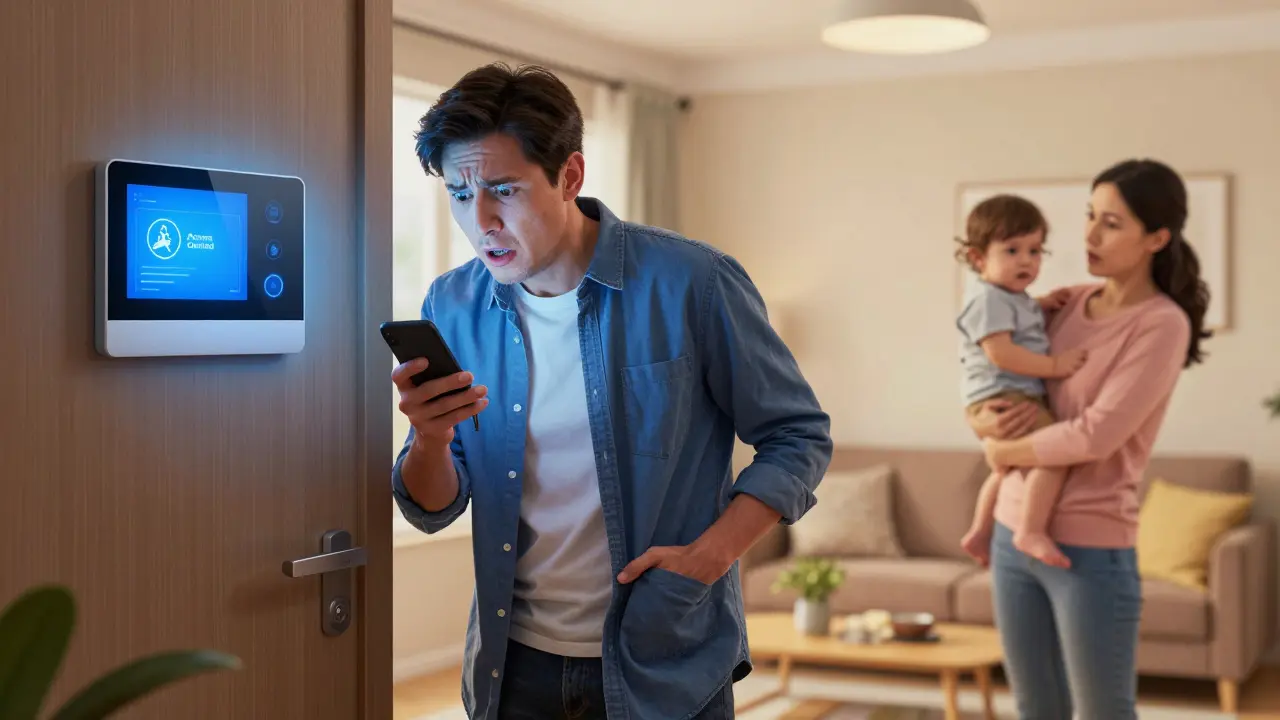

Picture this: It’s a Tuesday evening. You’re at work, your phone is on silent, and you’ve just realized your partner needs to log into the home security system because a package delivery went wrong. Or maybe your kid’s school portal has a deadline for tuition payment, and you’re stuck in traffic with no signal. The login isn’t written down. It’s not in a shared note. It’s in your head.
We all have that one critical account-the mortgage portal, the joint bank login, the Wi-Fi admin code-that only we know how to access. When you are temporarily unreachable, whether due to travel, a dead battery, or a hospital stay, that knowledge gap can turn a minor inconvenience into a major crisis. This is the hidden vulnerability of modern household management. We trust our memories too much, and when those memories aren't accessible, our families are left scrambling.
The Danger of "Shared" Passwords
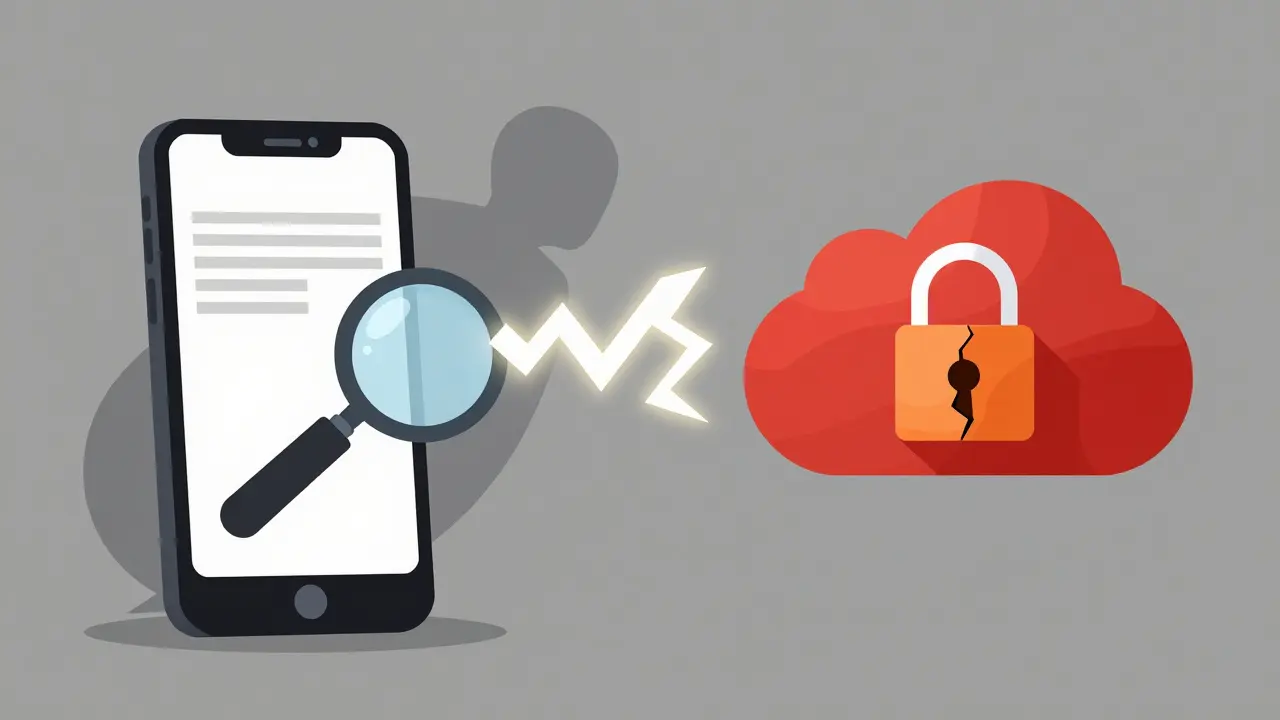
Most people try to solve this problem by texting the password to their spouse or writing it in a family group chat. On the surface, this seems helpful. In reality, it creates a permanent security hole. Once a password is sent via SMS or WhatsApp, it sits in plain text on multiple devices. If one of those phones is lost, stolen, or hacked, the attacker doesn't just get the message-they get the key to your digital life.
Others use shared notes apps like Apple Notes or Google Keep. While convenient, these platforms often rely on server-side encryption. This means the service provider holds the keys to your data. If their servers are breached, your credentials are exposed. More importantly, these tools don't offer conditional access. You can't set rules like "only release this login if I haven't checked in for 48 hours." You either share it forever, or you don't share it at all.
What Is a Secure Digital Vault?
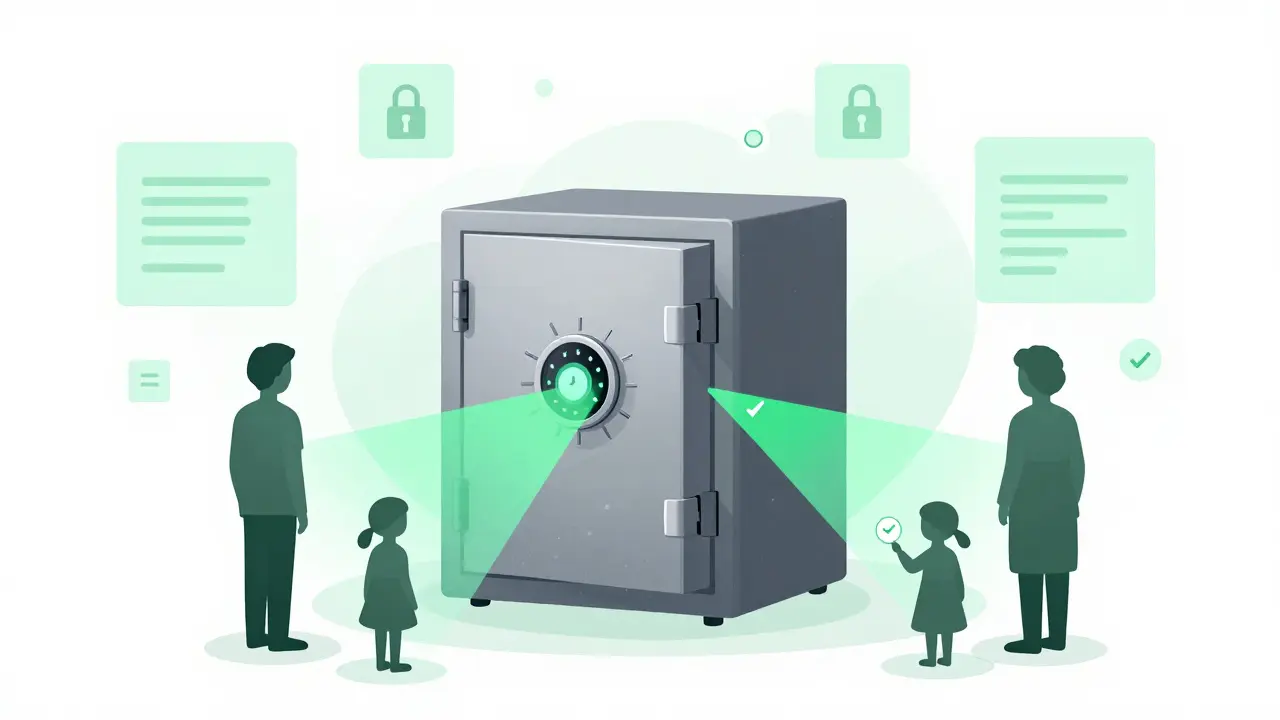
A true digital vault is a secure repository for sensitive information that uses client-side encryption to ensure only authorized users can access the data. Unlike a cloud drive where files are encrypted by the company hosting them, a secure digital vault encrypts your data on your device before it ever leaves your hands. This is known as zero-knowledge architecture.
In a zero-knowledge system, the service provider never sees your passwords. They store the encrypted chunks of data, but they do not hold the decryption keys. If you lose your master key, even the company cannot recover your data. This level of security is essential for password storage because it ensures that your most sensitive credentials remain private, even from the platform itself.
Vaulternal operates on this principle. It uses AES-256-GCM encryption, which is the same standard used by governments and banks to protect classified information. Your credentials are chunked, integrity-hashed, and encrypted locally on your device. Only then are they uploaded to the network. This means that Vaulternal cannot read your passwords, nor can any third party who might intercept the data during transmission.
Why Decentralized Storage Matters for Families
Centralized servers are single points of failure. If a company goes bankrupt, changes its terms of service, or suffers a catastrophic outage, your access to stored data can be jeopardized. This is why decentralized storage is a game-changer for long-term credential management.
Vaulternal stores encrypted files on distributed infrastructure, including Arweave for permanent storage, IPFS for peer-to-peer distribution, and Polygon for on-chain metadata anchoring. This setup ensures that your data is not held on a single corporate server. Instead, it is spread across a global network. Because of this architecture, your ability to access-or grant access to-your credentials does not depend on Vaulternal the company continuing to operate. The data persists independently of the service provider.
This resilience is crucial for family preparedness. If you need to share a login with a caregiver while you are away, you need to know that the system will be there when they need it. Decentralization removes the risk of vendor lock-in or service discontinuation, providing a stable foundation for your household's digital safety.
Conditional Access Continuity for Households
The core innovation in modern password storage is not just keeping secrets safe, but controlling when they are revealed. Vaulternal introduces an access trigger system that allows you to define exactly when a chosen recipient can access specific credentials. This is called conditional access continuity.
You can set triggers based on time, inactivity, trusted contact verification, or manual activation. For example, if you are traveling abroad and anticipate being offline for three days, you can set a timer-based trigger to release your Wi-Fi admin code and alarm system login to your spouse after 72 hours of inactivity. If you return early, you can cancel the trigger instantly.
This system supports multi-recipient sharing with per-recipient encrypted access keys. This means you can give your babysitter access to the Wi-Fi and thermostat codes, while giving your financial advisor access to tax document folders, without either party seeing the other's data. Recipients do not need technical expertise; they simply receive a notification when the conditions are met, allowing them to unlock the specific credentials they need.
To see how this works in practice, you can share household passwords with Vaulternal using their intuitive interface. The process involves creating a vault, adding your credentials, selecting recipients, and defining the triggers that govern access. It turns chaotic password sharing into a structured, secure protocol.
Practical Scenarios for Family Preparedness
Let’s look at real-world situations where conditional access saves the day. First, consider the emergency caregiver packet. If a grandparent is watching your children for a weekend, they may need access to the pediatrician’s portal, the school app, and the home security system. Instead of handing over your phone or writing down passwords, you create a temporary access bundle. You set the trigger to activate when the grandparent checks in, ensuring they have what they need without exposing your entire digital life.
Second, think about planned medical procedures. If you are undergoing surgery and will be under anesthesia for several hours, your partner might need to access your health insurance portal or coordinate with doctors. By setting an inactivity-based trigger, you ensure that if you do not check in within a specified window, your partner receives the necessary logins automatically. Once you recover and check back in, you can revoke access immediately.
Third, consider the babysitter scenario. A sitter needs the Wi-Fi password to stream movies and the alarm code to disarm the system upon arrival. Using per-recipient keys, you can grant them access to these two specific items only. They cannot see your bank logins or email accounts. This granularity protects your privacy while enabling convenience.
Choosing the Right Plan for Your Needs
Vaulternal offers flexible pricing to accommodate different household sizes and data needs. The Free plan provides 2 GB of storage at no cost, requiring no credit card. This is sufficient for most families who primarily store text-based credentials and small documents. For larger households with extensive file archives, the Starter plan ($8.33/month billed annually) and Pro plan ($15/month billed annually) offer unlimited storage.
When deciding between plans, consider not just the volume of passwords, but also the number of recipients and the complexity of your triggers. If you manage multiple care packets for different family members, the higher-tier plans provide more robust support for complex sharing scenarios. However, for basic household preparedness, the Free tier is often enough to get started.
| Feature | Free | Starter | Pro |
|---|---|---|---|
| Storage Limit | 2 GB | Unlimited | Unlimited |
| Encryption | AES-256-GCM | AES-256-GCM | AES-256-GCM |
| Conditional Triggers | Basic | Advanced | Advanced + Priority Support |
| Price (Annual) | $0 | $99.96 | $180.00 |
Building a Resilient Household Protocol
Adopting a secure digital vault is not just about technology; it is about changing how your family handles information. Start by identifying the top five logins that could cause chaos if you were unreachable. These might include your primary email, banking portal, home security, internet service provider, and health insurance. Store these in your vault first.
Next, designate your trusted contacts. Who needs access to which credentials? Be specific. Your spouse might need everything, but your sibling might only need access to pet care instructions and vet records. Set up the triggers now, while things are calm. Test the system by simulating an inactivity period to ensure the notifications arrive correctly.
Finally, review your setup regularly. As your family grows or your circumstances change, update your triggers and recipients. Add new caregivers, remove old ones, and adjust timeframes. This proactive approach ensures that your household remains resilient against unexpected disruptions.
Is Vaulternal safe for storing family passwords?
Yes, Vaulternal uses client-side AES-256-GCM encryption, meaning your data is encrypted on your device before upload. The company never holds your decryption keys, ensuring zero-knowledge security. Your passwords are stored on decentralized networks like Arweave and IPFS, reducing reliance on a single corporate server.
How does the conditional access trigger work?
You can set triggers based on time, inactivity, or trusted contact verification. For example, if you do not check in for 48 hours, a designated recipient can access specific credentials. You can modify or cancel these triggers at any time before they activate, giving you full control over access continuity.
Can I share different passwords with different family members?
Yes, Vaulternal supports multi-recipient sharing with per-recipient encrypted keys. You can grant your spouse access to bank accounts while giving your babysitter access only to Wi-Fi and alarm codes. Each recipient sees only the credentials explicitly assigned to them.
What happens if I forget my master password?
Because Vaulternal uses zero-knowledge encryption, the company cannot recover your data without your master key. It is crucial to store your recovery seed phrase securely. If you lose both your master password and recovery phrase, your data remains permanently inaccessible, even to Vaulternal.
Does Vaulternal offer a free trial?
Vaulternal offers a Free plan with 2 GB of storage at no cost, requiring no credit card. This is suitable for most families needing basic password storage and conditional sharing. Paid plans start at $8.33/month for unlimited storage.
Comments (6)

- Annemarie Fitzgerald
- June 22, 2026 AT 08:13 AM
the existential dread of being digitally erased is real and it terrifies me.
we are building a society where our identity is locked behind passwords that only we know.
if i die or just get sick, my family becomes strangers to my own life.
it feels like we are trading security for convenience but losing both in the end.
this vault thing sounds like a bandaid on a bullet wound.
why do we need such complex systems for something as simple as sharing a login?
maybe the problem is not the storage but the fact that we have too many accounts.
i feel overwhelmed just thinking about setting up triggers.
is it worth the mental load?
probably yes because the alternative is chaos.
but it still feels cold and mechanical.
like preparing for your own death in excel sheets.
sadly necessary though.

- Abby Sivertsen
- June 22, 2026 AT 11:21 AM
I honestly think people overcomplicate this way too much.
Just write it down in a notebook and hide it under a loose floorboard like they did in the movies.
Or better yet, trust your spouse enough to tell them the password directly.
All this talk of zero-knowledge architecture and decentralized storage is just tech bro jargon designed to scare you into paying for a subscription.
My grandma managed her whole life with a lockbox and she never had a meltdown because her wifi went out.
We need to stop letting algorithms dictate how we handle basic human relationships.
If your partner can't remember your bank pin after ten years of marriage, that's a relationship issue not a software issue.
Keep it simple folks.

- Benjamin Eisen
- June 24, 2026 AT 02:35 AM
@Abby Sivertsen i totally see where ur coming from but writing passwords down is actually super risky these days.
think about if someone breaks into your house or steals your mail.
a physical note can be lost burned or stolen just as easily as a digital file.
the cool thing about this vaulternal idea is that u can set conditions so its not just throwing keys under the mat.
like if u go on a long trip without signal u dont want ur kid stuck at school without access to their portal.
its not about distrusting ur spouse its about having a backup plan for when things go wrong unexpectedly.
plus the encryption part means even if the company gets hacked nobody sees the actual passwords.
it seems like a smart safety net rather than a conspiracy.
just saying maybe give it a chance before dismissing it?

- ravi mahla
- June 25, 2026 AT 12:47 PM
Oh look another app trying to solve a problem that doesn't exist for most normal people.
You guys are really living in fear huh?
'What if I die and my cat starves?'
Please.
The government will take care of everything eventually or your family will figure it out by breaking into your laptop.
This conditional access stuff is just spy movie fantasy for accountants.
Save your money and buy some gold bars instead.
At least gold doesn't require a software update to retain value.
Also why does every new service need to charge $15 a month for storing text files?
Greed is the real vulnerability here not your forgotten password.

- Mark Brunschwiler
- June 26, 2026 AT 05:30 AM
i feel like we are all just waiting for the other shoe to drop.
one day the internet will just turn off or change rules and we will all be stupid.
this vault thing makes me anxious because what if i forget the master key then i am truly alone.
no one can help me not even the company.
that is scary freedom.
but yeah keeping secrets safe is good i guess.
i just worry about the complexity.
life is hard enough without needing a degree in cryptography to pay bills.
maybe we should just live simpler lives.
less screens more nature.
then we wouldnt need passwords at all.
just thoughts.

- Terry Hyland
- June 28, 2026 AT 01:42 AM
decentralized storage on ipfs and arweave sounds like a nice story but who really controls those networks?
big tech companies always find a way to backdoor everything.
they say zero knowledge but i bet they log metadata.
metadata is all they need to track you.
you think you are hiding but you are painting a target on your back.
the best security is air gap.
write it on paper burn the paper memorize it.
anything connected to the cloud is already compromised.
do not trust these silicon valley grifters.
they want your data they always want your data.
stay offline stay free.
Post-Comment
Categories
Popular Articles